


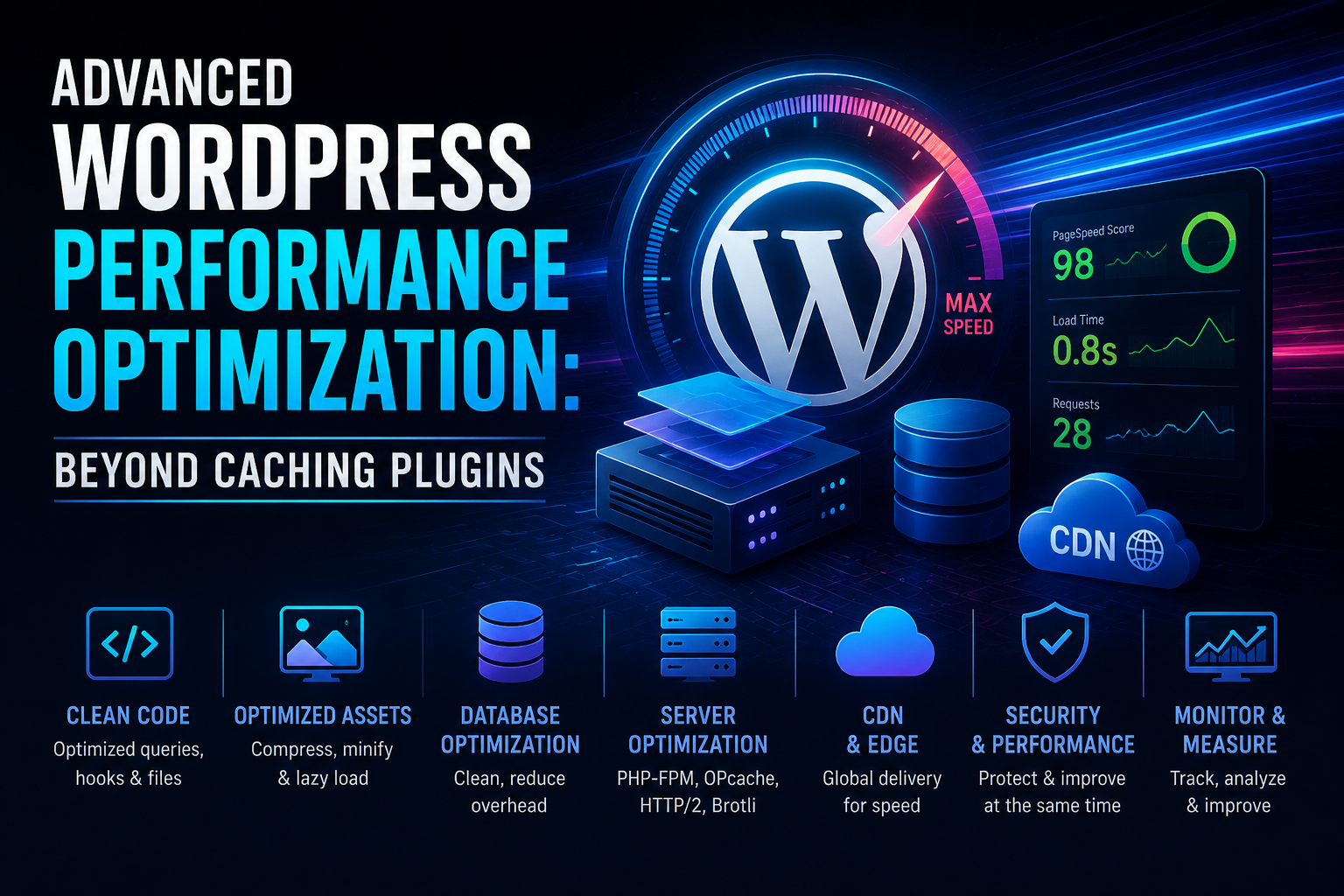
Introduction to High-Scale WordPress Performance
For high-traffic WordPress environments, standard caching plugins are merely a band-aid. To truly achieve sub-second load times, an architect must look deeper into the LEMP stack (Linux, Nginx, MariaDB, PHP-FPM). This guide focuses on kernel-level tuning and database optimization techniques that define enterprise-grade WordPress hosting.
1. Tuning the LEMP Stack
The first bottleneck is usually the communication between PHP-FPM and Nginx. By default, many configurations use TCP sockets, which introduce unnecessary overhead. Switching to Unix sockets can provide a 10-15% latency reduction.
# Edit your PHP-FPM pool configuration
listen = /var/run/php-fpm/php-fpm.sock
listen.owner = www-data
listen.group = www-data
Ensure your Nginx configuration is utilizing HTTP/3 and Brotli compression for maximum data throughput.
2. MariaDB Query Optimization
WordPress is infamous for its database-intensive nature. The key is to offload object caching to Redis. Install the Redis object cache and configure your wp-config.php to leverage it, reducing SQL query volume by up to 80%.
# Install redis
sudo apt install redis-server
# Verify connectivity
redis-cli ping
Additionally, optimize the wp_options table by ensuring that ‘autoload’ is disabled for non-essential plugins.
3. Kernel Tweaks for Network Throughput
Modify /etc/sysctl.conf to handle massive concurrent connections effectively:
# Increase ephemeral port range
net.ipv4.ip_local_port_range = 1024 65535
# Enable TCP Fast Open
net.ipv4.tcp_fastopen = 3
# Increase max open files
fs.file-max = 2097152
Conclusion
Optimizing WordPress is an iterative process. By moving away from bloated plugin-dependent architectures and shifting towards server-side performance tuning, you ensure a stable, lightning-fast user experience that scales under heavy load.
