


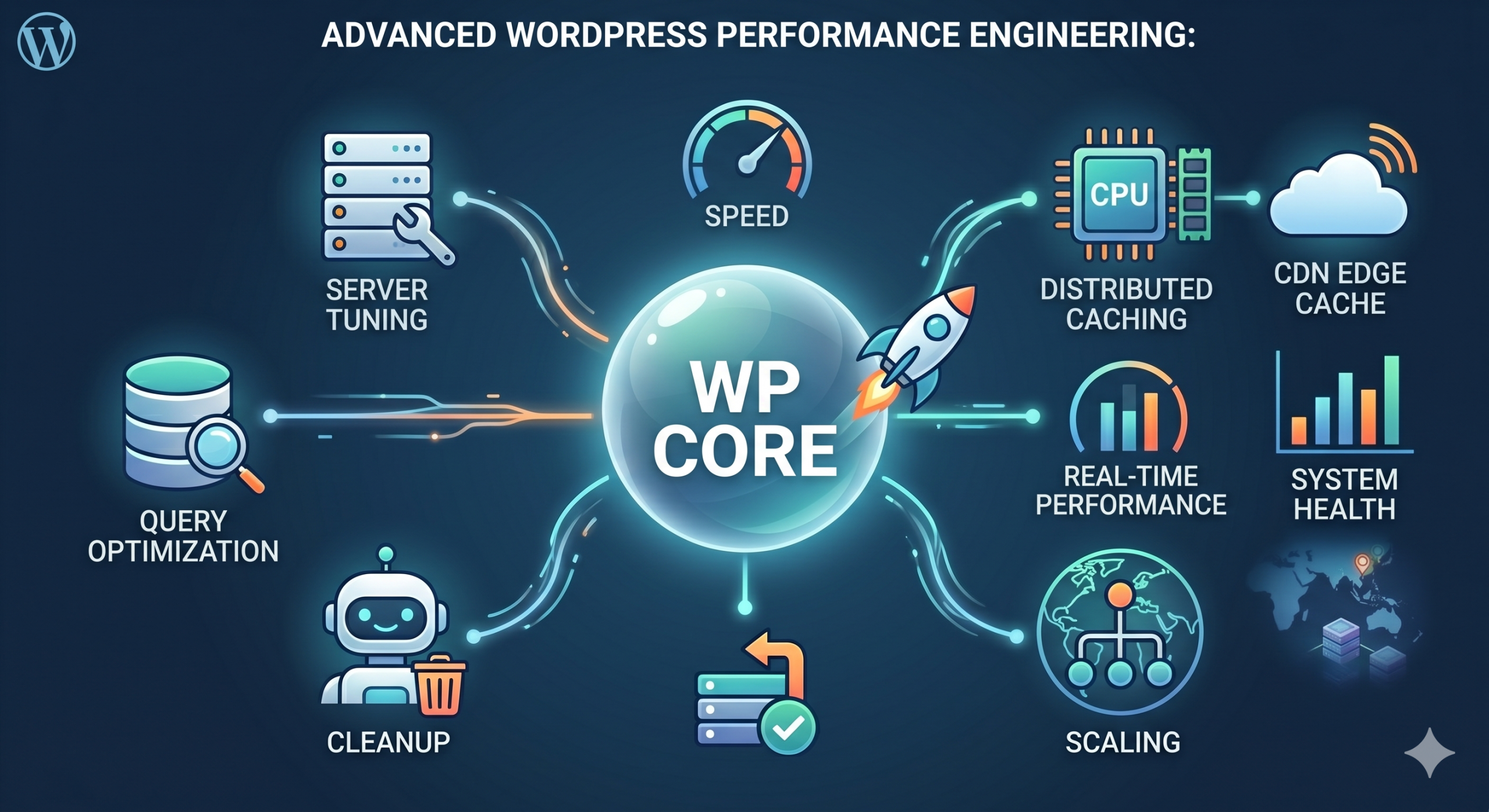
Introduction to High-Scale WordPress Optimization
For enterprise-level WordPress installations, standard caching plugins are rarely sufficient. When dealing with high concurrency and massive database queries, performance bottlenecks shift from front-end rendering to object caching, database contention, and PHP execution overhead. This guide explores the elite-level optimizations required to sustain sub-second load times under heavy traffic.
1. Redis Object Caching Implementation
Standard transient caching in WordPress relies on the database, which is inherently slow. Moving this to an in-memory store like Redis reduces I/O wait times significantly.
Installation and Configuration
Ensure your server has the Redis server and PHP extension installed:
sudo apt update && sudo apt install redis-server php-redis
sudo systemctl enable redis-server
Once the service is active, integrate it into WordPress by deploying the object-cache.php drop-in file. Monitor the cache hit ratio using the following CLI command:
redis-cli monitor | grep GET
2. Database Optimization: Query Offloading and Indexing
The wp_options table is a frequent point of failure. Autoloaded data can grow unchecked, bloating the query execution time. Use the following SQL command to identify the largest autoloaded entries:
SELECT option_name, length(option_value) AS option_value_length FROM wp_options WHERE autoload = 'yes' ORDER BY option_value_length DESC LIMIT 20;
After identifying large, unnecessary entries, set their autoload to ‘no’ to keep the memory footprint lean during the initial request boot-up.
3. PHP-FPM Fine-Tuning
The default PHP-FPM configuration is rarely optimized for production servers with high RAM availability. Adjusting your www.conf pool settings can prevent 504 Gateway Timeouts.
- pm = static: Better for servers with dedicated resources.
- pm.max_children: Calculate this by dividing total available RAM (minus OS and MySQL overhead) by the average PHP process size.
- pm.max_requests: Set to 500-1000 to mitigate potential memory leaks.
Conclusion
Performance engineering is an iterative process. By moving beyond simple plugin-based caching and addressing the architectural bottlenecks within your database and PHP process management, you can achieve enterprise-grade scalability for your WordPress ecosystem.
