


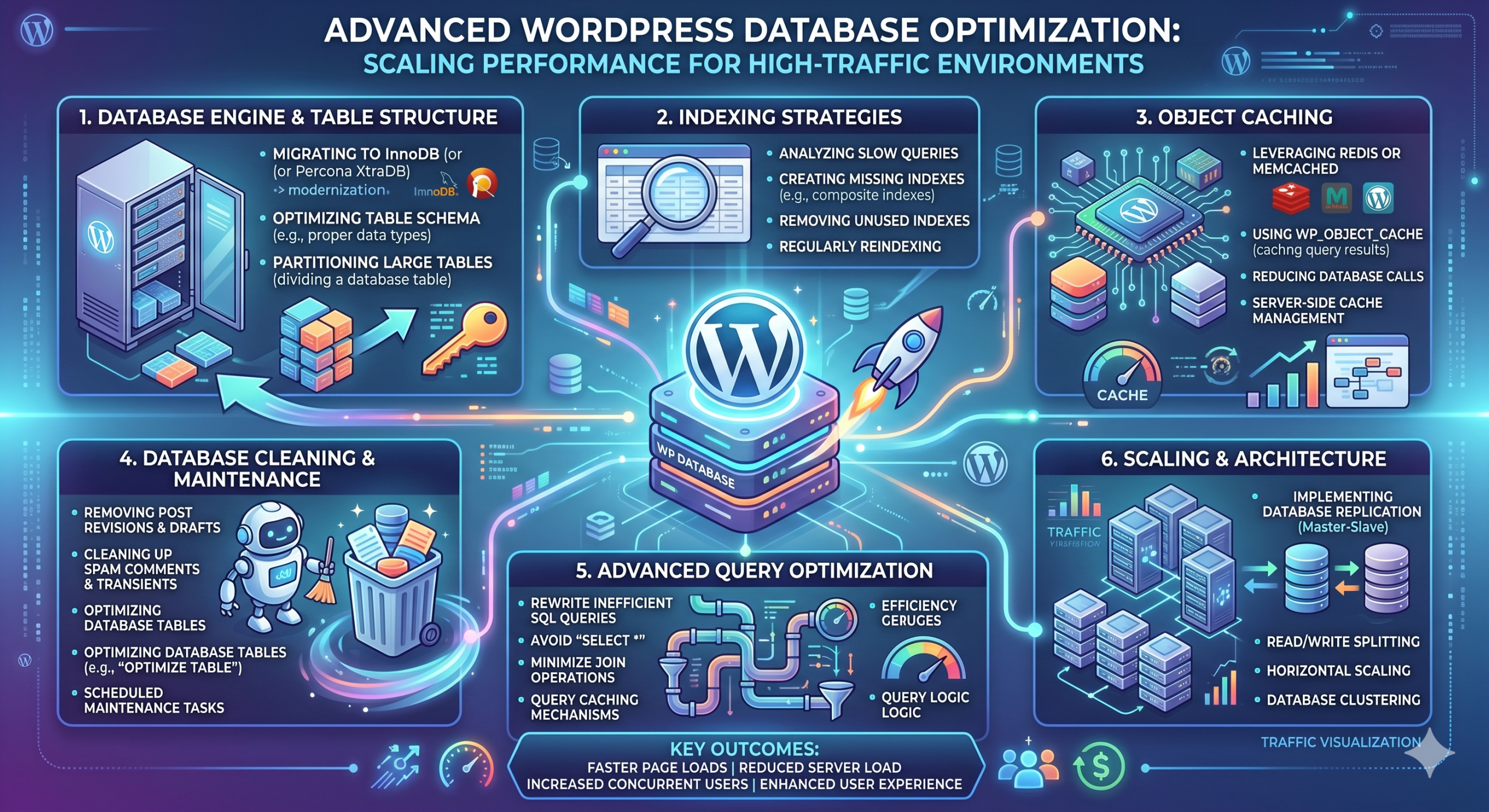
Introduction to WordPress Database Scalability
For high-traffic WordPress installations, the database is frequently the primary bottleneck. As your site grows, the wp_options table bloats, post revisions accumulate, and transient data consumes valuable buffer space. This guide explores professional-grade strategies to optimize MySQL/MariaDB for enterprise-level WordPress performance.
1. Cleaning the Metadata and Bloat
The first step is purging unnecessary data. Before executing any destructive queries, always perform a full database backup using mysqldump.
mysqldump -u root -p database_name > full_backup.sql
To clean up transients and revisions, utilize the following SQL commands directly in your terminal or database management tool:
DELETE FROM wp_options WHERE option_name LIKE ('_transient_%');
DELETE FROM wp_posts WHERE post_type = 'revision';
2. Optimizing InnoDB Buffer Pool
In a Linux Sysadmin environment, the InnoDB Buffer Pool is the most critical memory area. If your site is running on a dedicated VPS, you should aim to allocate 60-80% of available RAM to the buffer pool. Edit your /etc/mysql/my.cnf or /etc/mysql/mariadb.conf.d/50-server.cnf file:
[mysqld]
innodb_buffer_pool_size = 4G
innodb_log_file_size = 512M
innodb_flush_log_at_trx_commit = 2
3. Implementing Object Caching (Redis)
Disk I/O is expensive. Moving your object cache from disk-based transient storage to an in-memory store like Redis reduces database load by up to 70%. Install Redis on your server:
sudo apt update && sudo apt install redis-server
Once configured, integrate the WP-Redis plugin or a similar object cache drop-in to offload database queries to RAM.
Conclusion
Scaling WordPress requires a move away from standard ‘plug-and-play’ solutions. By managing your buffer pools, enforcing strict cleanup schedules, and utilizing persistent in-memory caching, you can maintain high performance even under heavy load. Monitoring via htop and mysqladmin is essential to observe the impact of these changes.
